Apple Maps in Korea: What Your Business Can and Can't Control
Most guides say to claim your Apple Maps place card. For a Korean address, Apple's own pages point the other way. Here is what is known, what is not, and what you can do.

When a visitor with an iPhone looks you up in Maps, Safari or Spotlight, they may land on an Apple Maps place card. You may have read that you should claim it. For a Korean address, Apple's own pages show no way to do that. This guide lays out what Apple has published, what it has not said, and what you can do instead. It is part of our guide to how foreign visitors find businesses in Korea.
Apple's pages list no way to claim or edit a Korean location through its official business tool. Apple's availability table names a feature group, Brand and Location Management, not "place cards" word for word, and South Korea is not listed under it. We have not tested a Korean address in a live Apple Business account, and Apple has not said why Korea is missing.
What Apple Business is
Apple Business launched on April 14, 2026 and replaced Apple Business Connect. Apple's announcement says it is free in the US and more than 200 countries and regions, and that some features are only in select countries. Place cards, showcases and insights moved into it. A place card holds your photos, hours and details in Apple Maps, Safari and Spotlight. A showcase puts an offer or a new item on that card. Insights show how people find your place in Maps and what they tap.
Where it works, an owner signs in, claims the place card, fixes the hours and adds photos. That is the advice you keep reading. Korea is one of the places where Apple's pages show it does not.
What Apple's pages show for South Korea
Apple has not published a sentence saying "you cannot claim place cards in Korea." It has published three things that point that way.
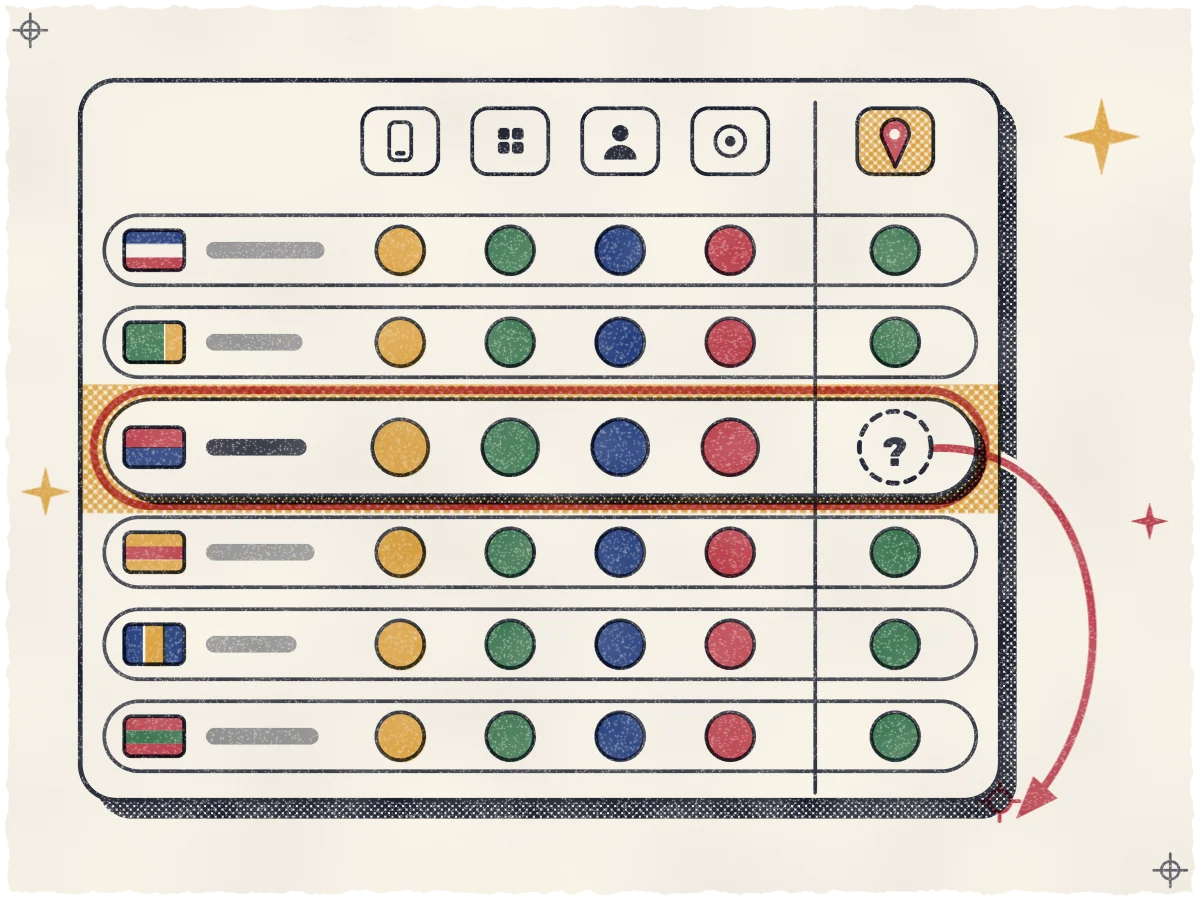
First, the availability table. Apple's feature page, dated April 14, 2026, lists South Korea with four features: built-in device management, Get Apps, Managed Apple Accounts and zero-touch deployment. Brand and Location Management is not among them. Japan, Australia, Taiwan and Singapore do have it. A second Apple availability page with the same date shows the same for Korea.
Second, the developer documentation. Apple's Business API lists Korea (KR) among unsupported regions and says a location with an address inside an unsupported country must not be submitted. That page is written for developers who send locations in bulk, not for owners using the website. It agrees with the table on locations.
Third, a user report. In a Korean-language Apple Community thread from November 30, 2023, a poster who wanted to update details for several businesses on Apple Maps says they searched and read that Business Connect is not offered in Korea. Nobody replied. Treat it as one poster's account, not Apple documentation.
Some Apple help pages still point owners to tools that no longer exist or do not cover Korea. Apple's page on fixing Maps problems, published May 15, 2026, says to tap Claim This Place and sign in to Apple Business Connect, which Apple retired in April. Its iPhone guide sends business owners to Apple Business without saying where it works. A button or a link on a help page is not proof that it works for a Seoul address.
Apple has not told Korean owners why Korea is left out, or whether the gap is permanent.
Where Apple's Korean map data comes from
As of June 2025, Apple used base map data from Tmap Mobility, a navigation unit under SK Group, The Korea Times reported. We found nothing that says where Apple gets Korean business listings, the data your place card is made of.
Apple also wants to send detailed 1:5,000 map data overseas, which needs Korean government approval. Korea rejected its first request in February 2023, and Apple refiled in June 2025. In January 2026, officials were weighing a conditional approval, and Apple had asked for more time. Google got a conditional approval on February 27, 2026. We found no final decision for Apple, so we call it unresolved.
That fight is about map detail and directions, not business tools. Do not assume a yes would let you claim your place card.
Why Apple Maps still matters
Apple Maps comes on every iPhone, and Apple says place cards also show in Safari and Spotlight, so visitors can come across your card without opening a map app. In BrightLocal's 2026 survey of 1,002 US adults, the share who used Apple Maps as a source of business reviews nearly doubled, from 14% in 2025 to 27%. Apple Maps takes ratings rather than written reviews, so what people see there is a score. These are US figures, not visitors to Korea, and we know of no Korea-specific number. They show which way habits are moving, nothing more.
Apple Maps and Google Maps: where you have control
The difference for an owner is control. Google lists South Korea among the countries where you can add a Business Profile, so you can claim, verify and edit your own listing. Our Google Business Profile setup guide covers how, and our guide on the state of Google Maps in Korea covers what Maps itself can do here. Apple's pages show no such route for a Korean place. Put your effort where you can change things, and keep an eye on the rest.
What you can do instead
Apple's pages give you no way to edit your place card yourself. You can still make it easier for Apple, and every other map and AI assistant, to get your facts right.
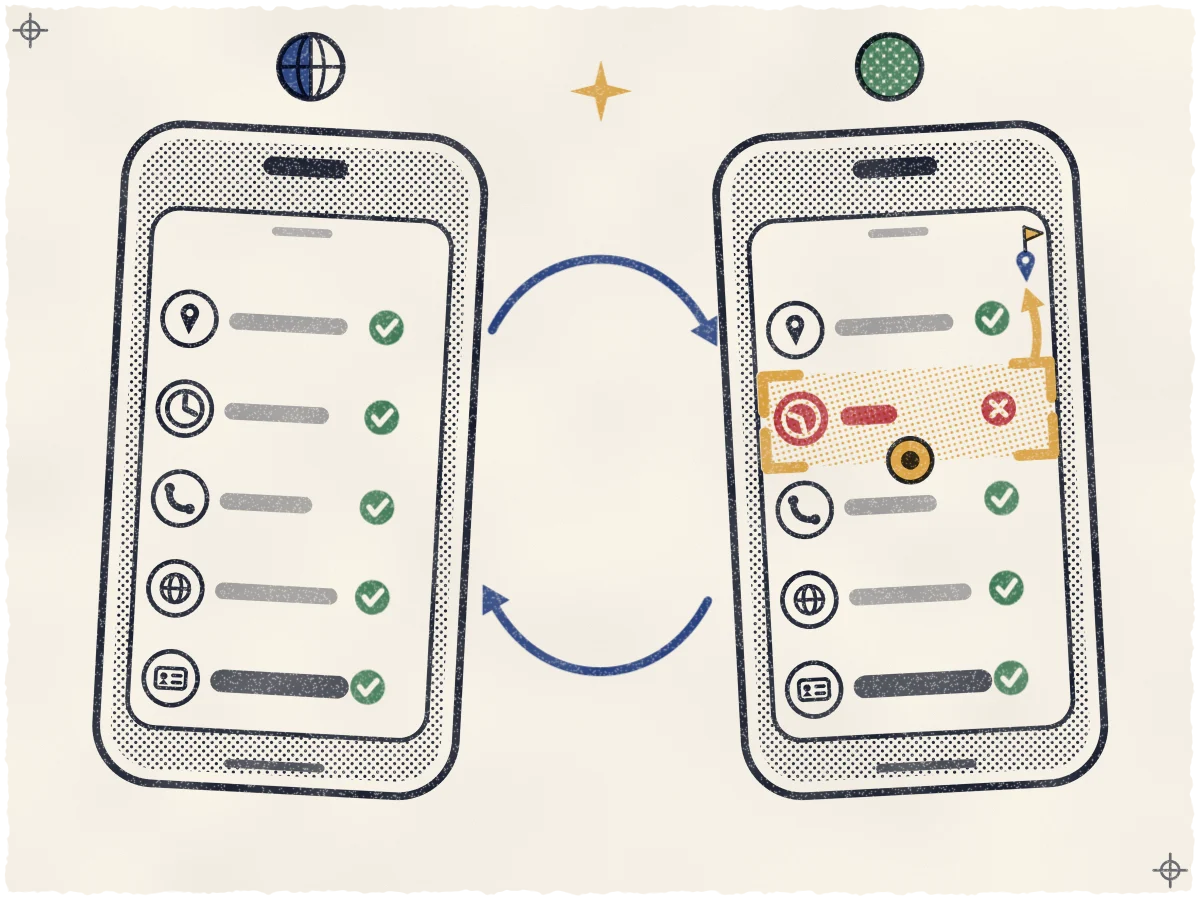
- Keep your details identical everywhere. Use the same name, address, phone and hours on every listing and site, as our guide to where a Seoul business should be listed explains. Apple does not say where its Korean listings come from, so consistency is the best bet you have.
- Make your English website the clearest source. Put your English and Korean name, your road-name address in both scripts (for example 6 Teheran-ro 79-gil, Gangnam-gu, Seoul, and 서울특별시 강남구 테헤란로79길 6), your phone with the country code (+82 2 for Seoul, dropping the leading 0) and your hours on one page. Add your Seollal and Chuseok closures. Our guide to an English website for your Korean business shows how.
- Check your place card on an iPhone set to English. Under Settings, General, Language & Region, choose English. Search for your business in English and in Korean, and check the name, pin, hours, phone and website. Screenshot anything wrong. Apple's iPhone guide lets anyone report a missing place or a business that has closed: touch and hold the map until a pin appears, scroll to the bottom of the card and tap Report Something Missing; or tap your picture or initials next to the search field, then Reports, then Report a New Issue. We have not tested whether reports fix Korean places, so try it and expect no promise.
- Distrust anyone selling an Apple Maps "claim" in Korea. Ask which Apple tool they use and for a screenshot of a Korean location inside it. Apple's pages list none. Never share your Apple Account password with a helper.
If you would rather hand this off, we set up your Google profile, keep your details consistent and watch your listing every day. We cannot edit Apple place cards in Korea, and we do not promise to.
What we will update when Apple adds Korea
We will re-check Apple's availability table, its API documentation and the map-data decision, and test a Korean address in a live Apple Business account. If Korea shows up, we will add the steps for claiming a place card here. We change the "last checked" date only after a real re-check, never to look fresh.
See where you stand today
Start with what you can see. Our free visibility map shows where your business appears on Google Maps around your door today, street by street. It is a snapshot, not a promise about where you will rank, and it shows where you show up and where the biggest openings are.
Sources
- Apple Support: Apple Business feature availability
- Apple Newsroom: Introducing Apple Business
- Apple Support: Apple Business feature availability by country or region (New Zealand edition)
- Apple Business API: Unsupported regions
- Apple Community (Korea): thread on Apple Business Connect in Korea, November 30, 2023
- Apple Support: If Maps isn't working on your Apple device
- Apple Support: Report an issue with Maps on iPhone
- The Korea Times: Apple's request for Korea's precision map data to complicate Google's bid
- The Korea Herald: Korea weighs split decision on map data exports for Google, Apple
- Korea JoongAng Daily: Google Maps gets green light for Korean data use
- BrightLocal: Local Consumer Review Survey 2026
- Google Business Profile Help: Countries and regions where you can add a Business Profile