An English Website for Your Korean Business: What Google and AI Assistants Need
Visitors may never type your web address, but Google and AI assistants can read your site and draw on it. Here are the plain steps, and the ones you can skip.

Most foreign visitors will never type your web address. Google reads your site anyway, and so do the AI assistants that answer "where should I eat near Gyeongbokgung?" What they find there, or fail to find, shapes what they say about you.
This guide covers what an English site needs and what it can skip, based on what Google and OpenAI publish. Where it leans on a vendor study or an expert survey, it says so. It is part of our guide to how foreign visitors find businesses in Korea.
Why a website matters if nobody types your URL
Say a traveler in a Hongdae guesthouse asks ChatGPT for a vegan dinner nearby. Part of the answer can come from web pages, including yours. Google says a page must be indexed and eligible to show with a snippet before it can appear as a link in its AI features, and OpenAI says sites that opt out of its search crawler will not be shown in ChatGPT search answers, though they can still appear as plain navigational links. Both need to be allowed to read a page before they can show it in those answers. Our guide to how AI assistants use your website covers what else they draw on.
The numbers are thin. Local Falcon's June 2026 study of 10,000 US restaurants measured how many appeared in Google AI Overviews. 26.2% of restaurants with their own website appeared, against 16.7% of those with no website. The same table put restaurants with only a Facebook or Instagram page at 39.4%, higher than either. So the study does not show that a website beats a social page. It comes from a software vendor, covers US restaurants, and shows an association, not a cause. We found no Korea-specific figure on small-business websites.
The stronger advice comes from practitioners. In Whitespark's expert survey (see what local search experts rate for AI visibility), experts ranked a dedicated page for each service first for local organic results and second for AI search visibility. It is opinion, not Google data. It is still cheap to follow, because a page per service also gives a stranger what they came for.
What goes on the page
Write one English page for each service or menu category. Say you run a hanbok rental near Gyeongbokgung. You would have one page for standard rentals, one for photo-shoot packages and one for group sets. A Korean BBQ restaurant gets a page for pork, one for beef and one for lunch sets. A skin clinic gets a page for each treatment. On each page, say what it is, the price in won, how long it takes and who it suits.
Start with the service you sell most. One clear page does more than ten thin ones.
Then add the facts a stranger needs before walking in:
- Address. Decide the exact address once and write it in a note. Use the road-name address exactly as in that note, the same on your page and your Google profile, with the Korean line beneath it. If your note reads "20 Hongik-ro 3-gil, Mapo-gu, Seoul," the site reads the same, followed by 서울 마포구 홍익로3길 20.
- Hours. Give regular hours and holiday hours. Our guide to marking Seollal and Chuseok closures covers the dates and the profile side.
- Phone. Write it in international format, such as +82 2 1234 5678 for a Seoul landline or +82 10 1234 5678 for a mobile.
- Booking. Say how to book, and whether a visitor can do it without a Korean phone number.
- Payment. Say which cards you take, and whether foreign cards work.
Write for someone who has never walked past. Name the nearest station, the exit and the minutes on foot. Put the same website address on your Google profile; our Google Business Profile setup guide covers the rest.
Korean and English versions
Keep your Korean site as it is. Put English at its own address, such as yourshop.kr/en/ beside yourshop.kr. Google recommends a different URL for each language version of a page.

Then tell Google the two pages belong together with hreflang tags. Each version lists itself and every other version, so both pages carry the same pair: one tagged ko pointing at https://yourshop.kr/, one tagged en pointing at https://yourshop.kr/en/. If two pages do not point at each other, Google ignores the tags. Use full addresses starting with https://. An optional third entry, x-default, names the fallback for visitors whose language matches neither. Your web developer can add these to the head of both pages.
Translate the body of each page, not only the menu and footer. Do not publish raw machine translation either. Google's pages on language versions say nothing about it, but your visitors will notice: a stranger who meets a garbled menu line assumes the kitchen is as careless. Draft with a tool if you like, then have someone fluent read every page before it goes live.
LocalBusiness markup
Markup is code on the page that states your facts in a form machines read directly. Google's local business documentation requires two properties, name and address, and recommends several more. Use the most specific type that fits, such as Restaurant or DaySpa, rather than plain LocalBusiness.
| Property | What to put in it | It must match |
|---|---|---|
| name | Your business name | Your sign and profile |
| address | The road-name address | The address on the page |
| telephone | Number with country code | The visible number |
| geo | Latitude and longitude, at least five decimals | Your map pin |
| openingHoursSpecification | Regular hours, plus closures with validFrom and validThrough dates | The hours in the text |
| url, priceRange | Working page link; short price band | The page and its prices |
| menu, servesCuisine | Menu page link; cuisine type | The menu page |
For a holiday closure, add validFrom and validThrough in year-month-day form. Without them, Google reads your hours as applying all year. To mark the shop closed all day over Seollal or Chuseok, set both opens and closes to 00:00 for those dates.
Markup must match what visitors can see. Google's guidelines say not to mark up content that readers of the page cannot see, so leave out any hours or prices the page does not show. Check the result with Google's Rich Results Test. Passing promises nothing: Google does not guarantee that structured data will show up in search results.
Treat markup as a way to be accurate, not a lever for AI answers. Google's generative AI guide says structured data is not required for those features and that there is no special schema to add. Our guide to what Google says you don't need for AI search explains what that means for you.
Photos Google can read
Put photos in real img elements. Google finds images in the src attribute of an img element and does not index CSS background images. Google calls alt text the most important image metadata, so write a short description of what the photo shows, not a string of keywords. Name files plainly: hanbok-rental-entrance-gyeongbokgung.jpg tells Google more than IMG00023.JPG. Place each photo beside the text it illustrates.
Shoot your entrance from the street, from the direction a visitor will walk. The sign, the door and the floor level matter most, because a stranger with a phone in hand is matching the picture to the block in front of them. A fitting alt text reads "Blue door and wooden sign of a hanbok rental on a side street near Gyeongbokgung."
Let the crawlers in
A good site can still be shut out by one line in robots.txt, a website-builder setting or a security layer at your host. Google's AI features guidance says to make sure crawling is allowed in robots.txt and by any CDN or hosting infrastructure. Open yourshop.kr/robots.txt in a browser and read it.
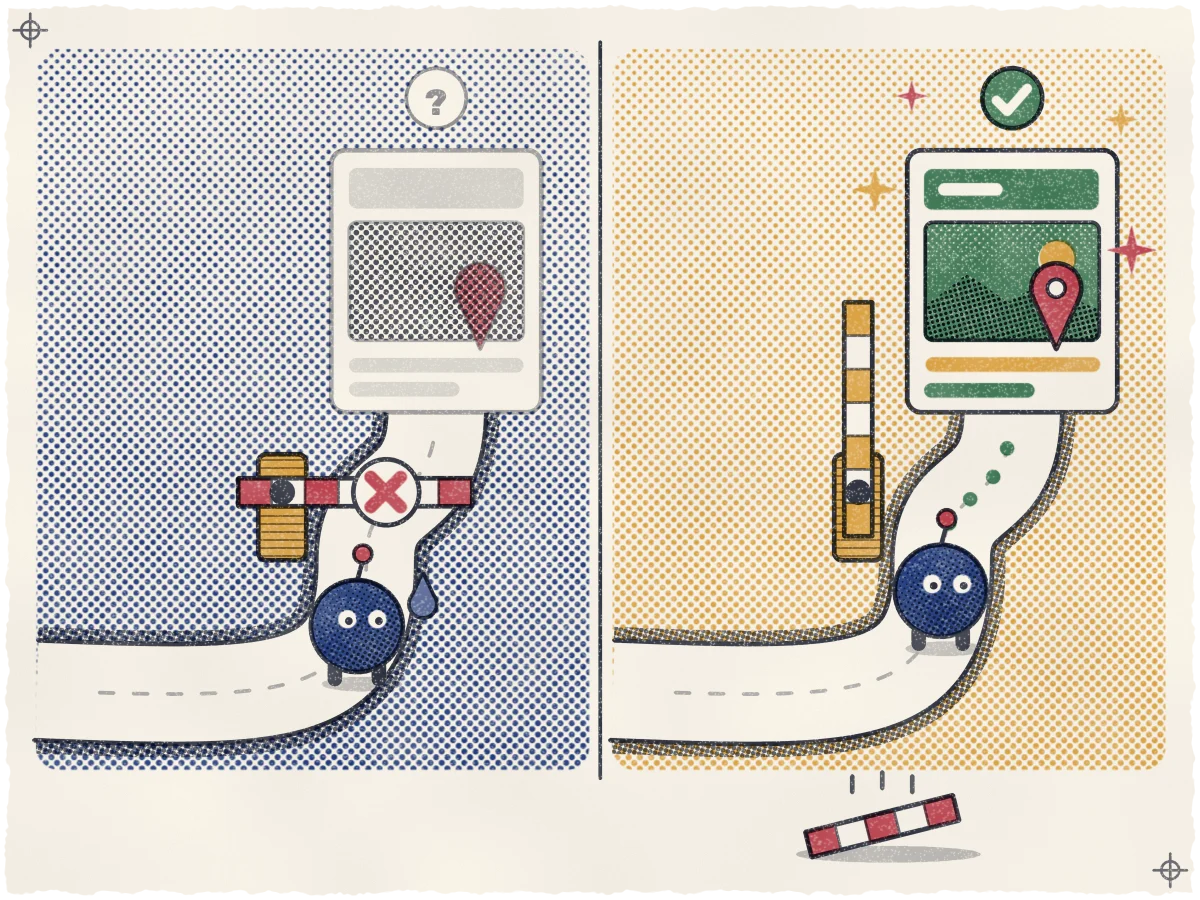
Checking robots.txt takes two minutes. If you see "Disallow: /" under "User-agent: *", "User-agent: Googlebot" or "User-agent: OAI-SearchBot", ask whoever runs your site to remove it.
Do not block Googlebot. Allow OAI-SearchBot too: OpenAI says sites that opt out of it will not be shown in ChatGPT search answers, though they can still appear as plain navigational links. In robots.txt, that is a group reading User-agent: OAI-SearchBot, then Allow: /. OpenAI says changes take about 24 hours to reach its systems.
GPTBot is a separate token. Disallowing it tells OpenAI not to use your content to train its models. That is your choice, and it is a different question from showing up in search answers.
What you don't need
You do not need an llms.txt file or any other AI text file for Google Search. Google's guide to generative AI features, updated July 10, 2026, says Google Search does not use them, and that making one will neither harm nor help your visibility in Google Search. It also says you need not break your content into tiny pieces or write in a special way for AI. If someone sells you an "AI-ready" package, ask which Google or OpenAI page it comes from.
Keep it matching your listings
Whatever your website says, your Google profile and other listings must say the same, and our guide to keeping your website and listings identical shows where to check.
See where you stand today
Before you change anything, find out how you look to a stranger. As part of getting you found, we check your site's titles and structured data against Google's and OpenAI's published guidance. Our free visibility map shows where you rank across your neighborhood today, with no contract. We cannot promise a ranking, because the platforms decide that. The map shows you where you stand.
Sources
- Google Search Central: AI features and your website
- OpenAI: Overview of OpenAI crawlers
- Local Falcon: The Restaurant AI Visibility Index (June 2026)
- Whitespark: Local Search Ranking Factors 2026
- Google Search Central: Managing multi-regional and multilingual sites
- Google Search Central: Tell Google about localized versions of your page
- Google Search Central: Local business structured data
- Google Search Central: General structured data guidelines
- Google Search Central: Optimizing your website for generative AI features on Google Search
- Google Search Central: Google Images best practices