Seollal and Chuseok Hours on Google: Setting Holiday Hours Before Visitors Arrive
Many visitors don't know Korea's holiday calendar, and some arrive on the days small shops close. Google's special hours tell them, if you set them early and match them everywhere else.

If you close for Seollal or Chuseok, tell Google the exact dates, and do it well before the holiday. Google reviews changes before they go live, so hours you set the night before may not show in time. This guide covers how to set the hours, where to get the dates, and what else to update so your website and listings say the same thing.
The locked-door problem
A scenario. Say you run a bakery in Seochon and close for Seollal. A visitor staying near Gyeongbokgung checks Google on the first morning of the holiday. Your listing says open, because nobody told Google otherwise. She walks twenty minutes, finds the shutter down, and spends her morning somewhere else. If she leaves a review, it says you were closed.
Many foreign visitors don't know Korea's holiday calendar, and some land in Seoul on exactly the days small shops shut. Wrong hours cost you the visit, and maybe more: local search practitioners rate being open at the time of the search among the top Maps ranking factors, as we explain in why your Google Maps rank changes every few blocks.
Why Google matters even if visitors navigate on Naver
Visitors may navigate with Naver Map or Kakao Map, but many also use Google Maps, where they see your hours and English reviews. In a government tourism survey reported in 2024, 56.2% of foreign visitors used Naver Map and 33.9% used Google Maps. A correct Naver Place page does not fix a wrong Google listing. For how the two maps split the work, see does Google Maps work in Korea?
Regular hours versus special hours
Google's guidelines say to give your regular customer-facing hours, and to use special hours for particular days such as holidays. Don't edit your Monday hours to cover a Seollal Monday. You would show the wrong hours every other Monday of the year.
| Setting | Use it for |
|---|---|
| Regular hours | Your normal weekly schedule, the hours customers can walk in. |
| Special hours | Dates when you close or change hours, for up to six days in a row. |
| Temporarily closed | Seven or more days in a row, or a closure with no known end. |
Special hours show only when your business is set to "Open with main hours." Check that first.
How far ahead to set them
Google says it reviews your changes before they go live, usually within 10 minutes but sometimes up to 30 days, so don't count on a fast approval. Set special hours as soon as you know the dates, and at least a month before the holiday. Then search for your business on Google, signed out, and see what a visitor sees.
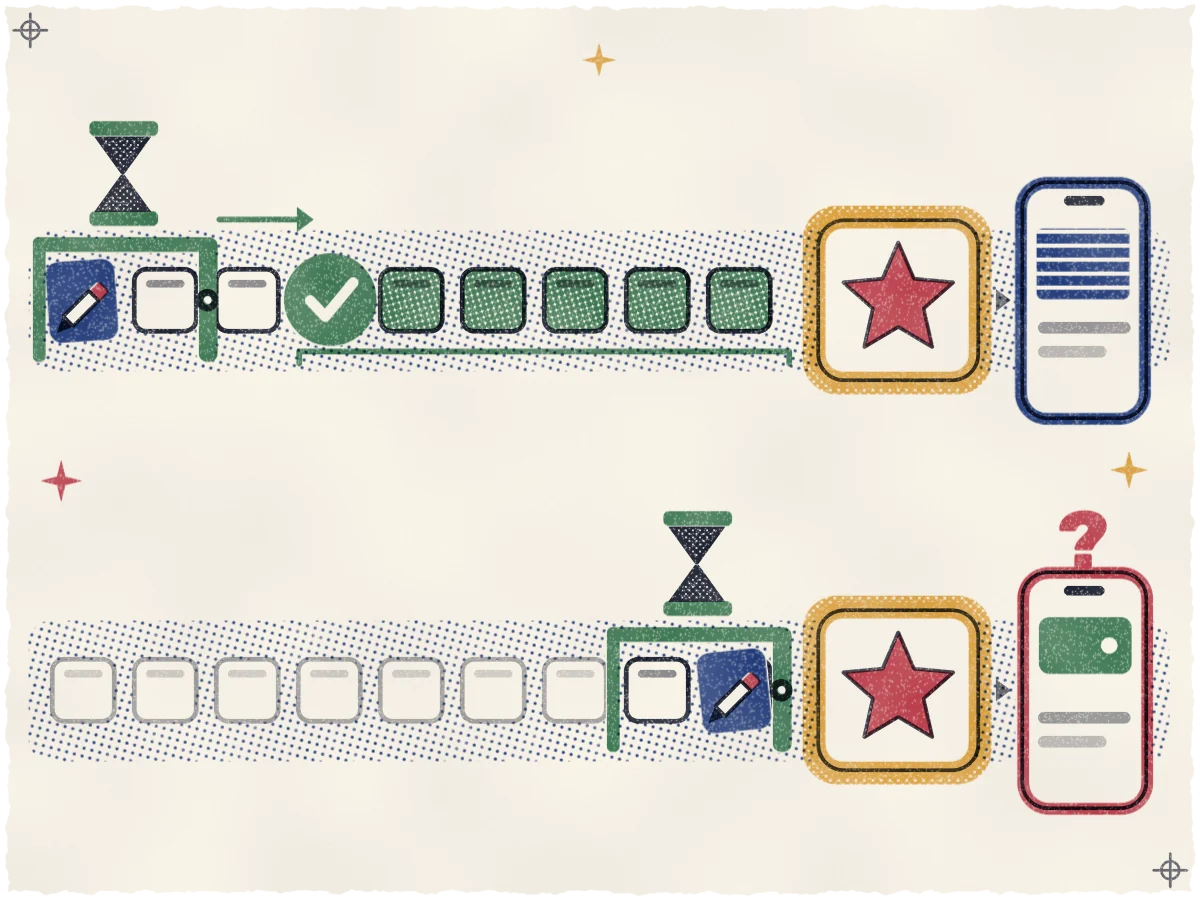
Check the live listing a month before the holiday and again a week before. If the old hours still show a month out, there is still time for a fix to clear review. A week out, a fix may not go live in time.
How to set special hours, step by step
These are the steps on Google's special-hours help page as of October 2026. Screens change, so check the help page if yours look different.
- Sign in to the Google account that manages your profile and open your Business Profile (search for your business name while signed in, or use Google Maps).
- Select Edit profile, then Hours.
- In the business hours section, select Edit next to Special hours.
- Pick a date. Use Review to confirm a date Google suggests, or Add a date for your own. Add every day you change.
- For a day you are shut, leave Closed checked. For a short day, clear it and enter the opening and closing times. Use More, then Add hours, for a break in the middle of the day.
- Select Save.
A single set of hours can't run longer than 24 hours, so a bar in Hongdae that stays open past midnight on the holiday needs the night split at midnight into two entries. Google then ignores your regular hours for the next day, so enter the rest of that day's hours as special hours too. If you manage several locations, the bulk spreadsheet has a Special hours column, where "x" marks a closed day.
If you'd rather hand this off, we set holiday hours ahead of every public holiday as part of the work on your listing, and we watch the profile every day in case a stranger's suggested edit changes what you set. The full setup, from categories to verification, is in the Google Business Profile setup guide.
Where to get the holiday dates
Seollal and Chuseok follow the lunar calendar, so the dates move every year. Take them from the official source each year, not from memory and not from a blog. Third-party lists can be wrong or out of date.
The official reference is the annual calendar notice (월력요항) from the Korea AeroSpace Administration (우주항공청). Its 2027 notice, issued June 29, 2026, gives these dates:
| Holiday | Day itself | Days off |
|---|---|---|
| Seollal 2027 | Sunday, Feb. 7 | Saturday, Feb. 6 to Tuesday, Feb. 9, including a substitute holiday |
| Chuseok 2027 | Wednesday, Sept. 15 | Tuesday, Sept. 14 to Thursday, Sept. 16 |
The Korea Astronomy and Space Science Institute's calendar data page is handy for later years, but the page itself says its data is not an official announcement. For each new year, copy the dates from the notice, write the weekdays next to them, and only then open your profile.
Plan for the days around the holiday
The holiday itself is rarely the hard part. Plan for these:
- Partial days. Staff leave for hometowns the day before. If you close at 3 p.m. on that day, set special hours for it.
- Substitute holidays. Under the government's rules, when a Seollal or Chuseok day lands on a Sunday or on another holiday, the next working day becomes a holiday too. A Saturday doesn't count for these two. Some other holidays, including Children's Day and Christmas, get a substitute for a Saturday or a Sunday. New Year's Day and Memorial Day get none.
- Temporary holidays. The government can add a day on short notice. In 2025, the government and ruling party agreed on Jan. 8 to make Jan. 27 a temporary holiday, under three weeks ahead. Check the news a month before each holiday and again two weeks before.
- Your own extra days off. If you take the whole week, count the days. Special hours cover up to six days in a row. For seven or more, mark the business temporarily closed, and set it back to open when you return.
Match your website to your profile
Put the closure where visitors read it: a banner on your English homepage with the same dates. If your site uses LocalBusiness structured data, Google's documentation supports seasonal closures. Mark the closure in your LocalBusiness markup too; the LocalBusiness markup section of our English website guide shows how.
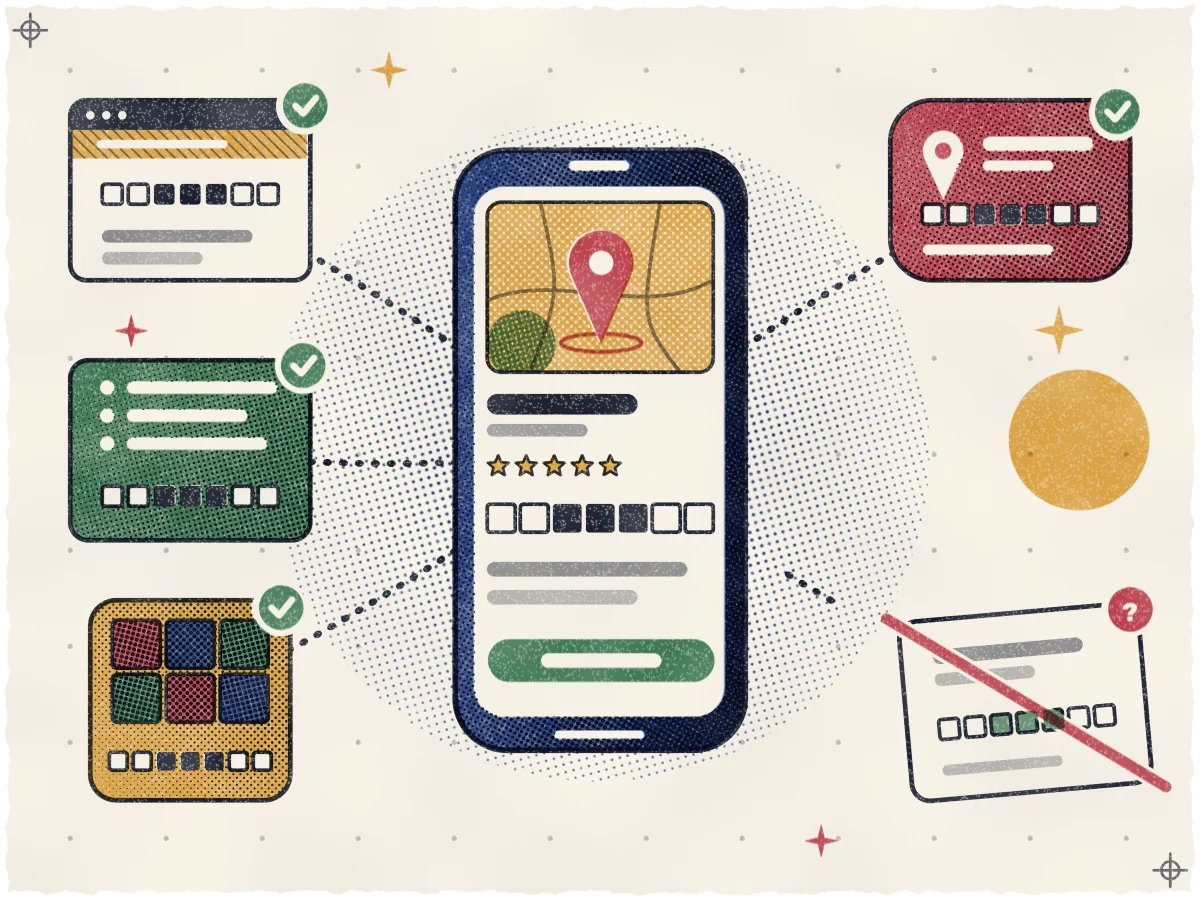
Whatever you put there must match the profile, date for date. A site that says open while Google says closed is worse than saying nothing. Then update your Naver Place page, Instagram and any directory that shows your hours, in the same sitting. Apple Maps is different: Apple's business pages list no way for Korean owners to claim or edit a place card, so check it and report what's wrong, as our Apple Maps guide explains.
Hours in AI answers and Google posts
Hours also feed AI tools. Google's help page says the Gemini app uses public Google Maps information to give opening hours, so a wrong holiday entry can reach AI answers too. What Google and others document about this is in how ChatGPT, Gemini and Google AI pick local businesses.
Also publish a short Google post about your holiday schedule. It tells anyone who opens your profile what to expect, in your words, with the dates in plain text.
See where you stand today
Correct hours keep visitors from walking to a locked door. They don't promise a higher rank, and no one can promise that. If you want to know how you show up on Google Maps around your door right now, request the free visibility map. It shows your position from spots across your neighborhood, with no contract.
Sources
- Google Business Profile Help: Edit your business information
- Google Business Profile guidelines
- Google Business Profile Help: Set special hours
- Google Business Profile Help: Understand what happens to your Business Profile edits
- Korea AeroSpace Administration: 2027 calendar notice (월력요항), June 29, 2026
- Korea Astronomy and Space Science Institute: calendar data
- Ministry of Personnel Management: substitute public holidays
- The Korea Times: Jan. 27 designated as temporary holiday
- Google Search Central: LocalBusiness structured data
- Gemini Apps Help: Find places & get directions in Gemini Apps
- Apple Support: Report an issue with Maps on iPhone
- KED Global: Naver to upgrade Korean map service for foreigners