Korean and English Business Names on Google: What the Rules Allow
A profile named 한글이름 / English Name may break Google's rules, even when your sign shows both. Here is what Google says, what it leaves open, and how to pick one name and still show visitors the other language.

Google wants one name per business. Say your restaurant is 서촌식당. If your profile reads "서촌식당 / Seochon Sikdang," we read Google's new rule as barring that, even when your sign shows both scripts. "Seochon Sikdang Korean BBQ Jongno" is a problem too, unless those words really are your name. Here is what the rule says, what it leaves open, and how to pick one name and still show the other language to visitors who search in it. This guide is part of our Google Business Profile setup guide.
The base rule: one real-world name
Google's guidelines ask for the name your business uses in the real world, the same on your storefront, website and stationery. Add nothing else. Google lists marketing taglines, store codes, opening hours, phone numbers, URLs, service or product details and location details as things that do not belong in a name, and says unnecessary information could result in the suspension of your profile.
So "Hongdae Grill House Open Till 2am, Best Samgyeopsal" is out. "Hongdae Grill House" is right.
The new rule on repeated names
The same guideline page now lists "Repeated Bilingual Names / Script Transliterations" as not allowed, which it describes as:
Repeating the same business name in multiple scripts or languages, even if it appears this way on physical storefront signage
Google's example is Japanese. "Kafiex / カフィエクス" is not acceptable. "Kafiex" is. Search Engine Roundtable reported on August 10, 2026 that the rule had appeared in the guideline.
Three things are not stated. Google gives no date from which it enforces the rule. It does not say whether profiles already named this way must change. And it gives no Korean example, so nothing on the page mentions Hangul.
What it means for Hangul and English (our reading)
Here we are inferring, not quoting Google. "서촌식당 / Seochon Sikdang" has the same shape as "Kafiex / カフィエクス": one name, written twice in two scripts, joined by a slash. We think Google would treat it the same way, and we advise you to plan as if it does.
The signage point matters most. Many Seoul shops show Hangul and English on one sign, and it is natural to copy the sign into the name field. Google says a double sign does not make a double name acceptable.
If your English is a translation rather than a spelling of the sound, say 서촌식당 and "Seochon Restaurant," we would still not risk it. It is the same name in a second language, which is what the rule describes.
Choosing the one name
Pick the name your business already shows the world. Check these in order and stop at the first clear answer:
- Your storefront. If one script is larger or comes first on the sign, use that one. The sign is the first thing Google's rule names and the hardest thing for you to change.
- Your website and booking page, if the sign gives both equal weight. Which name does the header carry?
- Your receipts, menus and business cards, if it is still a tie. Which name do you print?
If everything is evenly split, choose the version your customers use. When foreign visitors are most of your trade, that is usually the one they can read and type. Never invent a new English name just for Google. The name has to be one your business already uses.
Whichever you pick, make the rest of your business say the same thing. Google asks that the name match your storefront, website and stationery, so a mismatch invites trouble.
Where the other language goes
Visitors find you through relevance, not only through the name field. Google says relevance, how well a profile matches what someone searches, is one of the three main local ranking factors. It does not say how it matches a search in one script to a name written in another.
So put the other language in places where Google allows it:
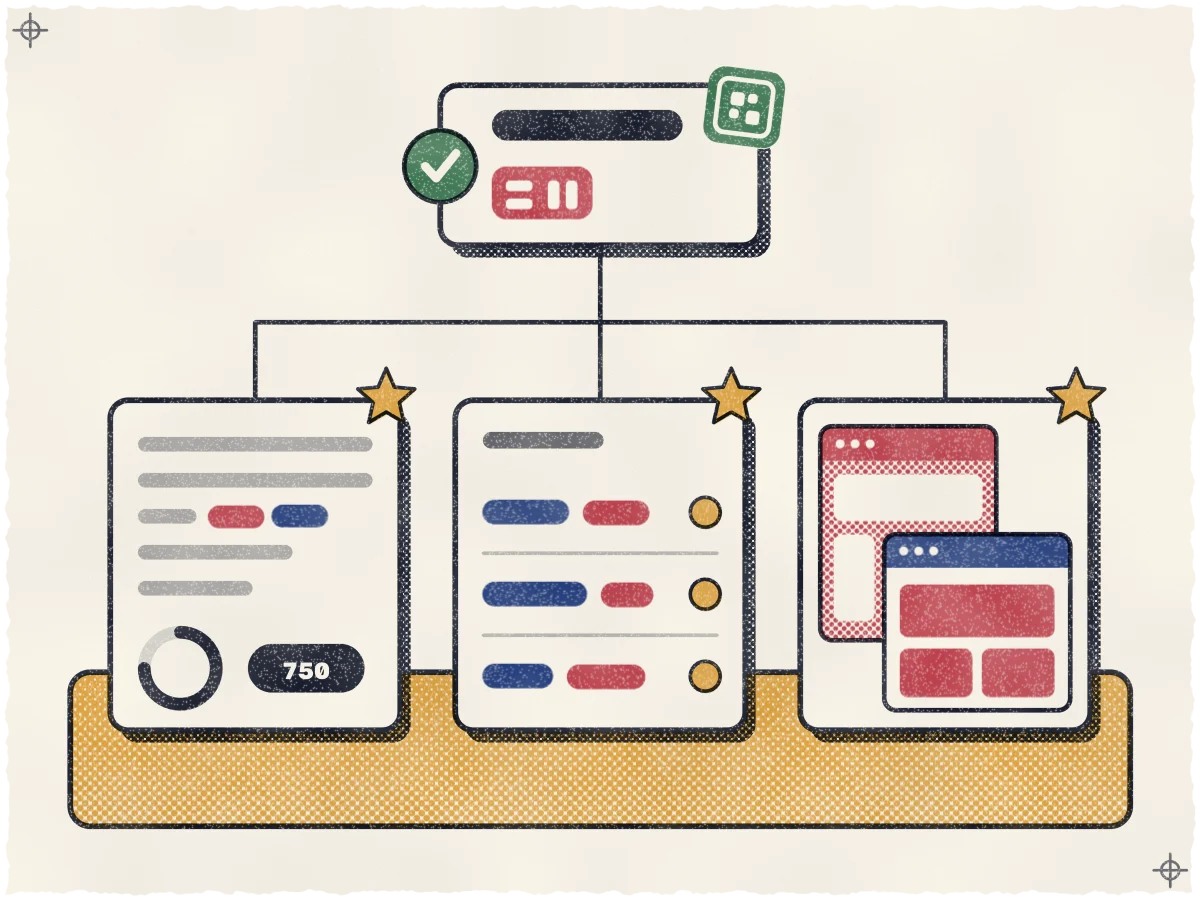
- The business description, which Google caps at 750 characters. It can say "Also known as 서촌식당" in a plain sentence. Google does not allow URLs there, and asks you to focus on the business rather than promotions or prices.
- Your menu or services list, where you can write each dish or treatment in English with the Korean name beside it.
- Your website, with a Hangul page and an English page that each use the name in their own script.
One thing we could not confirm: whether Google matches an English search to a profile with only a Hangul name, and the reverse. Google's pages do not say. Test it on your own phone. Search both spellings of your name with the phone set to English, then again set to Korean, and note where you appear.
Why a keyword in the name is a bad bet
"Seochon Sikdang Korean BBQ Jongno" is tempting because local search practitioners rate a keyword in the name among the strongest ranking levers, as our guide to why your Google Maps rank changes every few blocks explains. But Google lists service and location details among the things a name must not carry, and says unnecessary information could get your profile suspended. A suspended profile loses far more than the keyword was worth.
There is one honest exception. If your sign and registration really read "Seochon Sikdang Korean BBQ," that is your name. A phrase you added only to rank is not.
Spell it the same way everywhere
Whatever English spelling you choose, use it on every listing, not Seochon on one site and Seo-chon on another, for the reasons our guide to where a Seoul business should be listed for tourists sets out.
Changing a name safely
First check your verification status. Google's verification help says not to edit your business name, address or category while a postcard code is pending. If you do, the code in the mail will not work. Our guide to Google Business Profile verification in Korea covers how it works here.
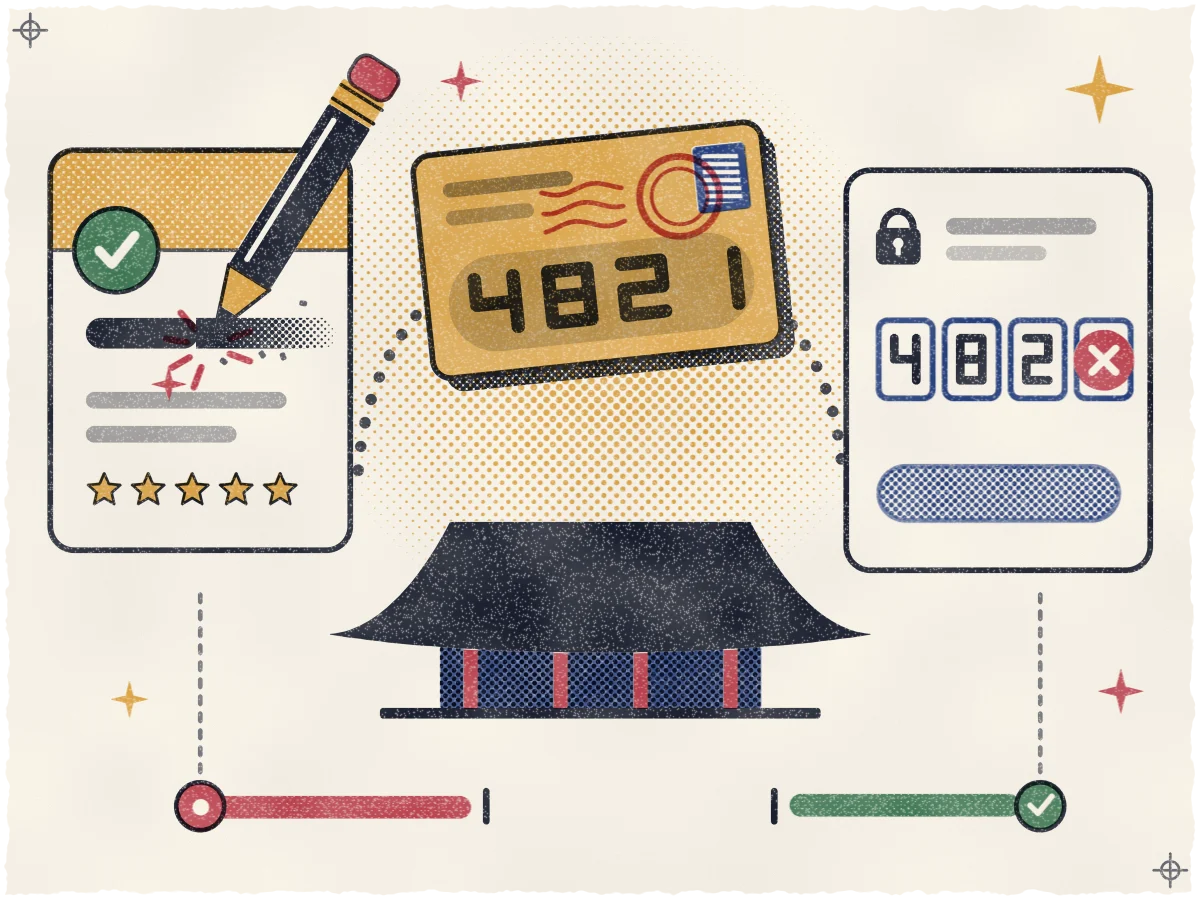
Once you are verified, the steps are short, but Google says a name change might mean you need to verify again, so be ready:
- Save a photo of your sign and a screenshot of your current profile, in case Google asks you to show what changed.
- Edit the name to your single choice in your Business Profile.
- Update your description, services and website to carry the other-language name.
- Check the profile from a phone a few days later. Google reviews edits before they go live, so confirm the new name shows.
Dropping a repeated script keeps your real-world name, so we treat it as a correction. Google's separate rebranding rules cover a business that changes its actual name, and say a change that does not qualify counts as a new business, with the old profile closed and a new one made. If you plan a true rename, read that section first.
If you would rather not touch the name yourself, we can fix it when we set up your listing, the work described under Be chosen on our homepage.
See where you stand today
A clean name is a start, not a ranking. Nobody can promise a position on Maps, and we do not. What we can show is where your business appears today, street by street, for the searches your visitors use. Ask for a free visibility map and see where you stand before you change anything.
Sources
- Google Business Profile Help: Guidelines for representing your business on Google
- Search Engine Roundtable: Google Local Disallows Repeated Bilingual Names & Transliterations (August 10, 2026)
- Google Business Profile Help: Improve your local ranking on Google
- Google Business Profile Help: Edit your Business Profile
- Google Business Profile Help: Verify your business on Google